
Call (604) 849-8461 info@ctrlaltnetworks.com

VoIP & Unified Communications

Business VoIP and unified communications in Metro Vancouver

Replace the old phone system with flexible cloud calling that works in the office, at home and on your mobile. We plan, set up and support VoIP and unified communications that improve customer service and lower your phone bill.

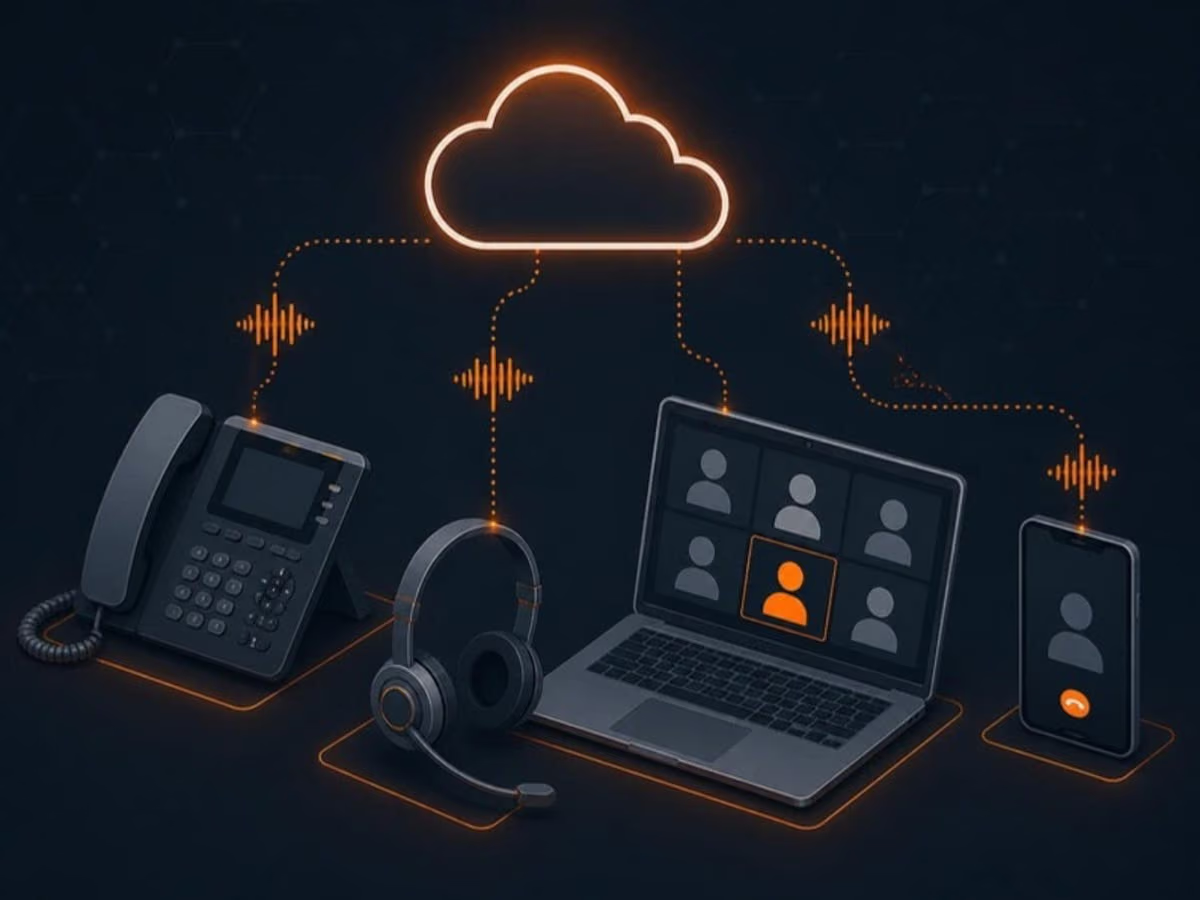
Illustration: VoIP and unified communications for a small business

What’s included

What you get with VoIP and unified communications

  • Business VoIP phone systems

    Flexible, cloud-based calling with business features like auto attendants, call queues, voicemail to email and call recording.

  • Unified communications platforms

    Voice, video, chat and conferencing brought together, so your team can switch from a message to a call to a meeting in one place.

  • Scalable systems

    Add or remove users and phone numbers in minutes as your team grows or changes.

  • Remote and hybrid work support

    Secure access for hybrid and remote employees, who can take business calls on a laptop or mobile app using the company number.

  • Lower costs

    Cloud phone systems typically cost less than traditional phone lines and on-site phone equipment, with no expensive hardware to maintain.

  • Integrations

    Connect calling with Microsoft Teams, Google Workspace and CRM platforms, so call history and customer details are in one place.

Your phone system should work the way your team works

Traditional phone systems were built for a world where everyone sat at the same desk every day. Today, your staff might be in the office on Tuesday, at home on Wednesday and visiting clients on Thursday. Customers still expect to reach the right person quickly, and nobody wants to give out a personal mobile number.

Modern VoIP and unified communications solve that. Calls reach people wherever they are, on the company number, with the same features they’d have at their desk. Teams collaborate more easily, customers get better service, and operating costs usually drop. We partner with trusted providers for reliability and security, and design systems that suit a small team today and a growing company tomorrow.

What a modern business phone system can do

  • Auto attendant: a professional greeting that routes callers to sales, support or a specific person.
  • Call queues and ring groups: calls reach the next available person instead of ringing out.
  • Business hours routing: after-hours calls go to voicemail, an answering service or an on-call phone.
  • Voicemail to email: messages arrive in your inbox as audio or transcribed text.
  • Mobile and desktop apps: make and take calls on the company number from anywhere.
  • Call recording and reporting: useful for training, quality checks and understanding busy periods.
  • Video meetings and chat: move from a call to a screen share without switching tools.

Microsoft Teams calling and Google Workspace

If your team already lives in Microsoft Teams, it can also become your phone system. Staff make and receive external calls in the same app they use for chat and meetings, on computers and mobiles. For Google Workspace users, we can integrate calling with Google Meet and Calendar or use a provider that connects cleanly with your workflow. CRM integrations can show caller details automatically and log calls against customer records, saving time and improving service.

Reliability starts with the network

Poor call quality is almost always a network problem, not a VoIP problem. Choppy audio, dropped calls and delays usually come from an overloaded internet connection, bad Wi-Fi or a network that treats voice the same as a large download. Because we also manage networks, we check that your connection and equipment are ready before switching over. We configure quality of service so voice traffic gets priority, and we monitor call quality afterwards so problems are caught early. Learn more about our network management services.

Switching without missed calls

Changing phone systems can feel risky because your phone number is how customers find you. We make the move carefully:

  1. We confirm your current contracts, numbers and any early termination terms before anything changes.
  2. We design call flows with you and set up users, greetings and devices ahead of time.
  3. Number porting is scheduled with the carriers, with temporary forwarding if needed.
  4. On switch day we test inbound and outbound calls, voicemail and every call path.
  5. We provide quick training and stay available for adjustments in the first weeks.

Costs you can predict

Cloud phone systems are typically billed per user per month, which makes costs easy to forecast and scale. There’s no on-site phone system to maintain or replace, and long-distance calling within Canada and the US is often included. When we review your current phone and internet bills, many businesses find they can improve features and reduce costs at the same time.

How it works

How VoIP and unified communications works with us

  1. Step 1: Understand how you communicate

    We review call volumes, how calls should flow, existing contracts and which features you actually use.

  2. Step 2: Design and check the network

    We design the call flow and make sure your network and internet connection can carry clear voice calls.

  3. Step 3: Port numbers and set up

    Your existing numbers are transferred, users and devices are set up and call flows are tested before go-live.

  4. Step 4: Train and support

    Staff learn the essentials, and we stay on hand to adjust call flows and support the system.

FAQ

VoIP & Unified Communications: common questions

Can't find your question? Call us or send a message and a real person will get back to you.

What is the difference between VoIP and unified communications?

VoIP (Voice over Internet Protocol) handles phone calls over the internet instead of traditional phone lines. Unified communications brings voice together with video, chat and collaboration tools in one platform.

Can you integrate VoIP with Microsoft Teams or Google Workspace?

Yes. We offer integration options that let your phone system work with the platforms you already use, including making and receiving regular phone calls directly in Microsoft Teams.

How reliable is VoIP for business calls?

With the right setup, VoIP is very reliable. We work with quality providers and use network monitoring and quality of service settings to keep call quality consistent.

Can we keep our existing phone numbers?

In most cases, yes. Numbers can usually be ported from your current carrier to the new system. We handle the paperwork and schedule the switch to avoid missed calls.

What happens to calls if our internet goes down?

Cloud phone systems can automatically forward calls to mobile phones or another location during an outage, and staff can keep taking calls using the mobile app. A backup internet connection adds another layer of protection.

Do we need new desk phones?

Not necessarily. Many teams use a softphone app on their computer with a headset, or the mobile app. For people who prefer a handset, reception desks or shared areas, we recommend compatible business IP phones.

Related services

Get in touch

Talk to us about VoIP and unified communications

Tell us a little about your business and what’s going on. We’ll get back to you the same business day with next steps, or just call if it’s urgent.

Send us a message

We only use your details to reply. See our privacy policy.