
The backup you haven’t tested is a guess
Almost every business we speak to believes it has backups. When we check, we often find a different story: an external drive that stopped working months ago, a cloud sync service mistaken for a backup, a server backup that skips the one folder that matters, or backups that exist but have never actually been restored.
A backup only has value if you can get your data back, completely and quickly, at the moment you need it. That’s why our service focuses as much on monitoring and testing as on the backups themselves. With proactive monitoring and tested recovery strategies, you can restore systems and resume operations quickly after hardware failure, a cyberattack, a fire or flood, or simple human error.
What can go wrong
Data loss rarely comes from the disaster you expect. The most common causes we see are:
- Accidental deletion: someone deletes a folder, or overwrites a spreadsheet, and the change syncs everywhere.
- Hardware failure: hard drives, SSDs and servers eventually fail, often without warning.
- Ransomware: criminals encrypt your files, and sometimes your backups, then demand payment.
- Lost or stolen laptops: along with any files that only existed on that device.
- Departing employees: mailboxes and files removed when an account is deleted, sometimes deliberately.
- Physical events: fire, flooding, a burst pipe in the office above or a power surge.
A good backup and recovery plan covers all of these, not just the dramatic ones.
How we protect your data
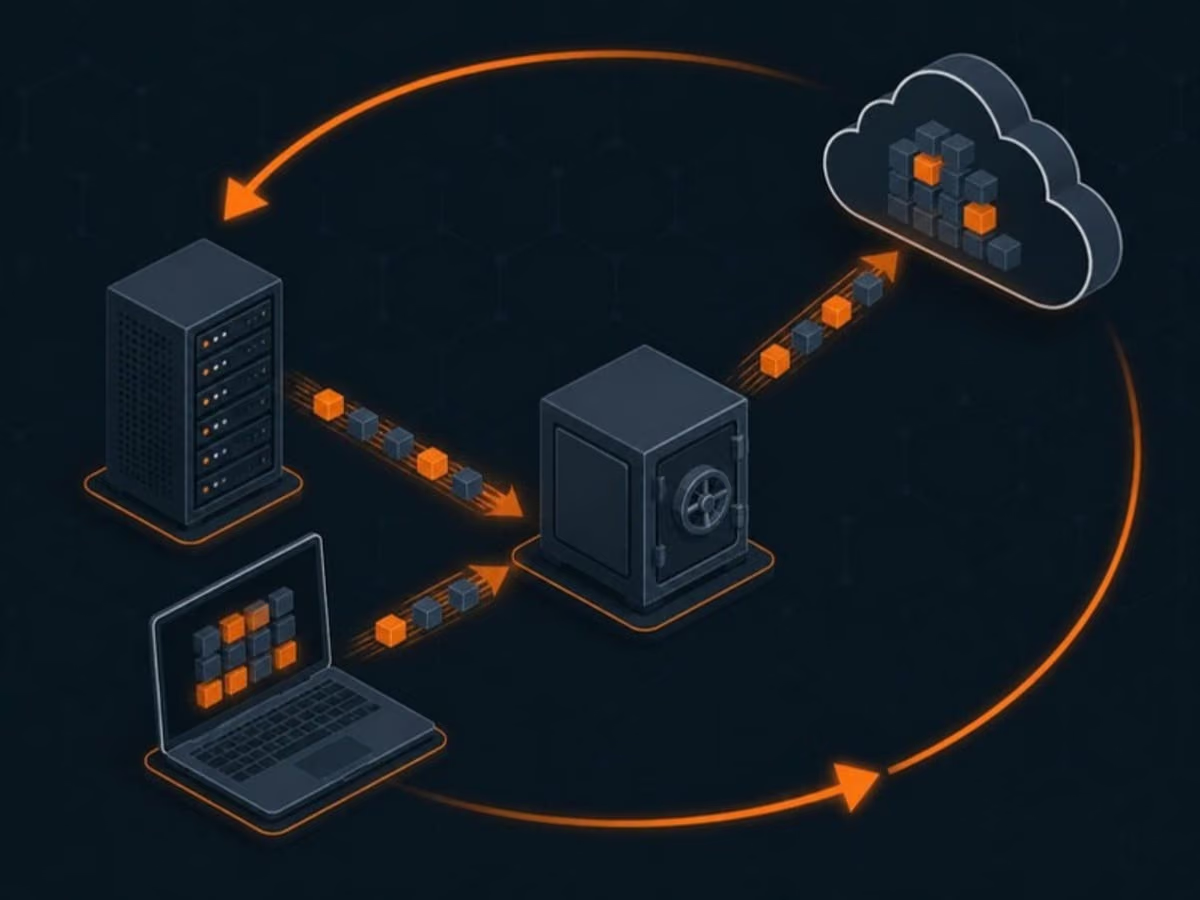
We follow proven principles, starting with the 3-2-1 rule: at least three copies of important data, on two different types of storage, with one copy offsite. For stronger ransomware protection we add immutable or offline copies that cannot be altered or deleted, even by an administrator account.
- Servers and critical computers: image-based backups that can restore an entire system, not just files.
- File shares: versioned backups so you can recover a file as it was yesterday, last week or last month.
- Microsoft 365 and Google Workspace: separate cloud-to-cloud backups of mailboxes, OneDrive, SharePoint and Google Drive.
- Line-of-business databases: application-aware backups for accounting, practice management and similar systems.
- Encryption: data is encrypted in transit and at rest, and backup storage is kept separate from normal user accounts.
We explain the approach in more detail in our guide to the 3-2-1 backup rule for small businesses.
Disaster recovery planning
Disaster recovery answers the questions nobody wants to think about until they have to. If your office were unusable tomorrow, what would staff need first? Where would systems run? Who calls clients? How long can you go without invoicing?
We work through those questions with you and write them into a practical recovery plan. It lists your critical systems in priority order, the agreed recovery targets (RPO and RTO), step-by-step restore procedures, contact lists and responsibilities. The plan is short enough to actually use and kept current as your business changes.
Testing and monitoring
Every backup job reports to our monitoring system, and failed or incomplete jobs are investigated promptly. On top of that, we regularly restore files and systems to confirm the backups actually work, and we record the results. If a test reveals a problem, we fix it long before a real emergency exposes it.
Business continuity
For some businesses, even a day of downtime is too long. Clinics can’t see patients, law firms miss filing deadlines and retailers lose sales. Business continuity measures shorten that gap, for example by allowing critical systems to be started from a backup copy while the original hardware is repaired, or by making sure staff can keep working from cloud services if the office itself is unavailable. We’ll recommend the level of continuity that makes sense for your risks and your budget.