
Phones for how Tri-Cities businesses work now
Coquitlam’s business community is a mix of offices around City Centre and Lougheed, clinics and professional practices in Burquitlam, Austin Heights and Maillardville, and a large number of owner-run and home-based businesses up the hill in Westwood Plateau and Burke Mountain. Many teams split their time between the office, client sites and home.
An old landline system doesn’t fit that. Calls ring at a desk nobody is sitting at, voicemail piles up and customers wait. A cloud phone system fixes the basics: calls follow people, and customers reach someone.
What you get
A typical Coquitlam setup includes:
- Your existing numbers, ported across so customers keep calling the number they know.
- An auto attendant (“press 1 for appointments, 2 for billing”) and business-hours rules, with a different greeting after hours and on holidays.
- Ring groups and call queues, so a call to the front desk rings several people, or waits in line with a message instead of going to voicemail.
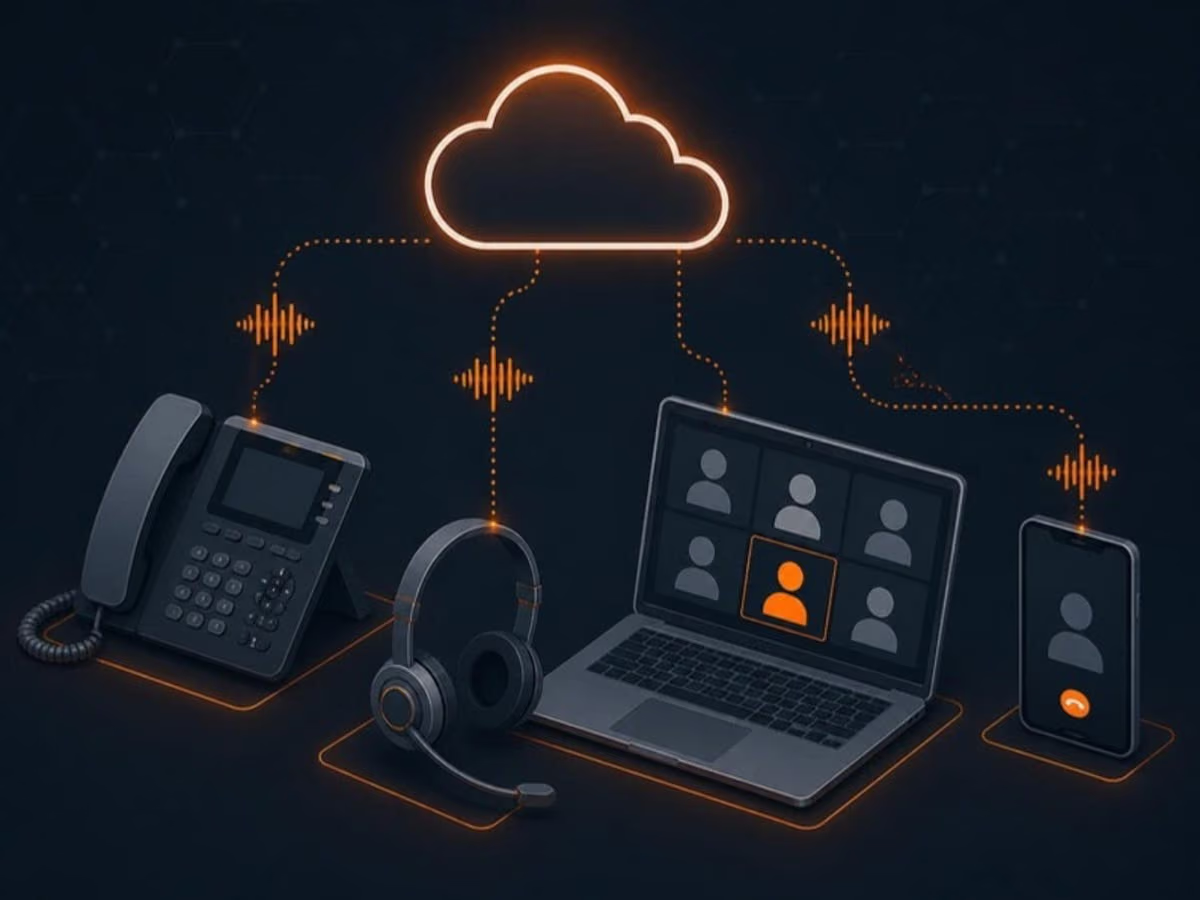
- Desk phones, headsets and mobile apps, so the same extension rings at the office, on a laptop or on a cell phone without giving out personal numbers.
- Voicemail to email, with the recording attached, so messages don’t get missed.
- Microsoft Teams calling for businesses already working in Teams, so staff make and take calls in the app they use all day.
For home-based businesses
If you run a business from home in the Tri-Cities, a business phone number is one of the simplest ways to look established and keep work and family separate. A cloud phone system gives you a local business number, a professional greeting and a mobile app, without a second phone line or a second phone. When you hire your first employee, adding them takes minutes.
For clinics and busy front desks
Clinics and service businesses live on the phone. We set up call queues for the front desk, overflow to a second person when it’s busy, a clear after-hours message with urgent options, and reports that show how many calls are missed and when. That makes it easy to see whether you need more coverage at certain times of day.
How the switch works
- Plan. We list your numbers, who answers what, and how calls should flow during and after business hours.
- Check the network. We test your internet and configure your router to prioritise voice, and add a backup connection if the phones are business-critical.
- Set up and train. We configure the system, ship or install phones and headsets, and show your team the handful of things they need to know.
- Port and go live. Numbers are moved on a scheduled date, tested, and only then is the old service cancelled.
Getting started
Book a free review and we’ll recommend the right setup and a clear monthly price. If you also need help with computers, email or security, see what we do across the city on our Coquitlam IT support page.