Planning for an island city
Most of Richmond is built on Lulu Island, at or near sea level and protected by dikes. The city takes flood protection seriously, and so should its businesses’ IT plans. Add in earthquake risk across the region, occasional power outages, and the fact that warehouses and offices near YVR and along the river often run around the clock, and the case for proper backup and continuity planning is clear.
The most likely disaster, though, isn’t weather. It’s ransomware, a failed server, or an employee who deletes the wrong folder. Our backup and disaster recovery service is built to handle all of them.
What a good backup looks like
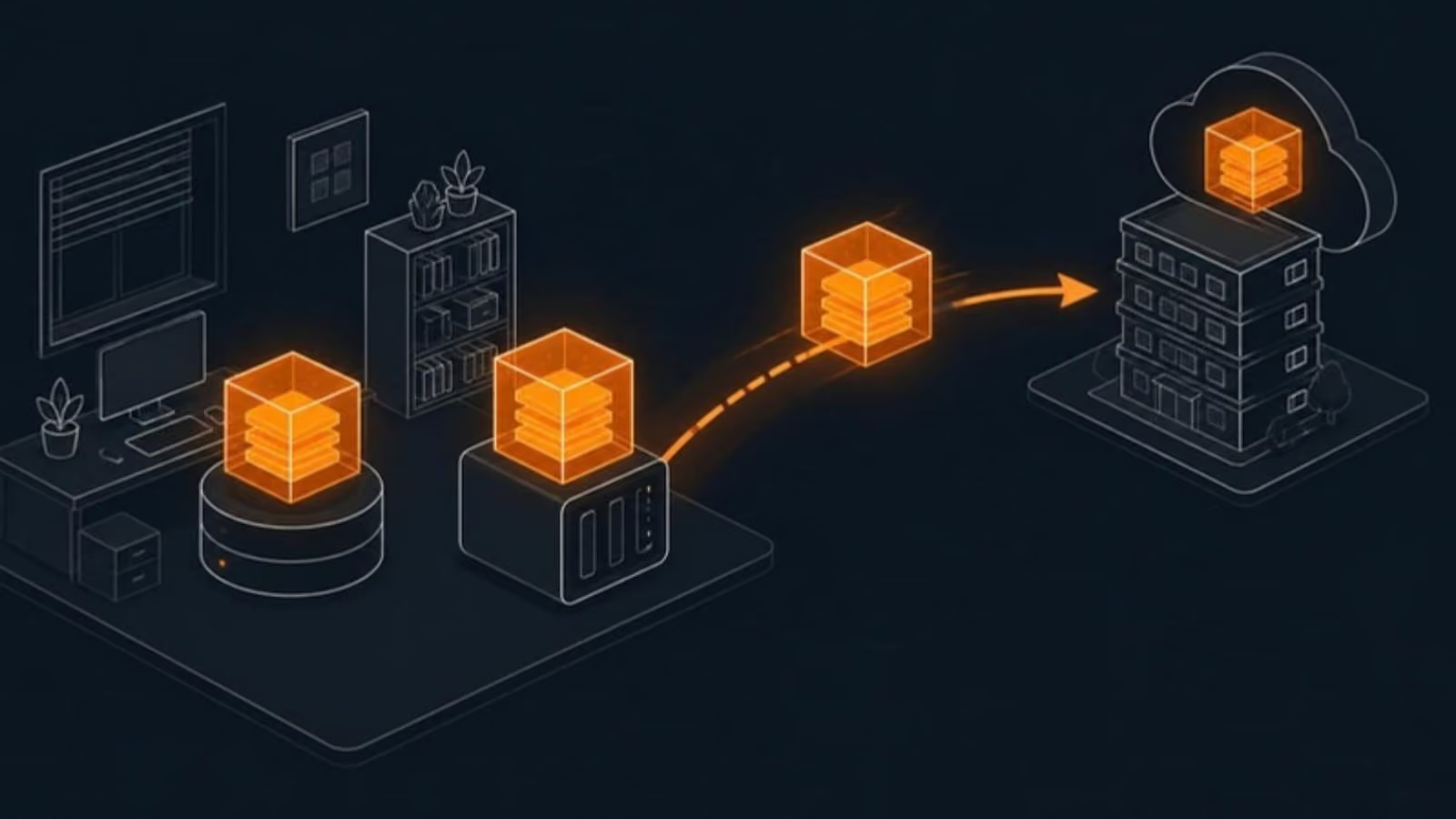
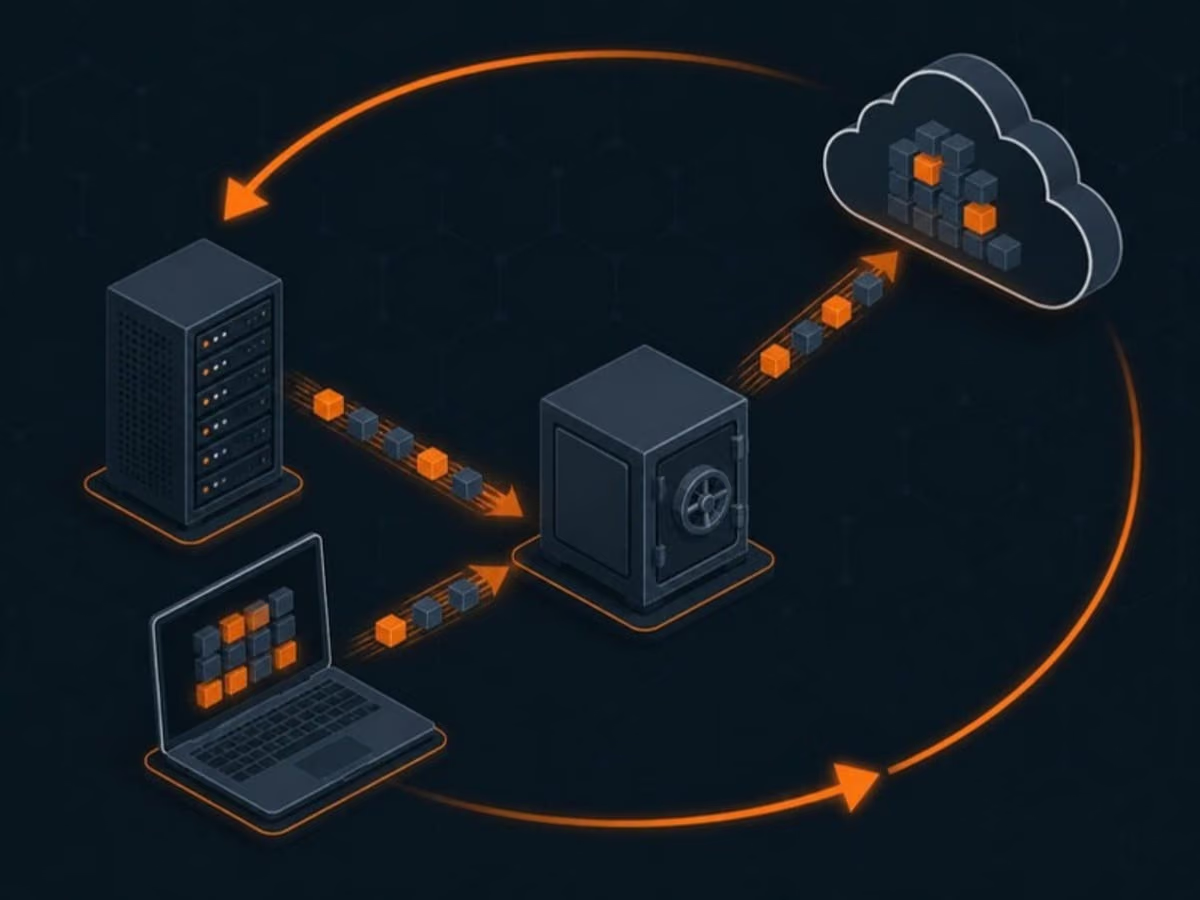
We follow the 3-2-1 rule: three copies of your data, on two different types of storage, with one copy off site. In practice, for a Richmond business, that usually means:
- A local backup for fast restores of files, folders or whole machines.
- An off-site cloud copy on Canadian servers, with retention set to your needs. We recommend making it immutable for a set period, so ransomware or a compromised admin account can’t delete or encrypt it.
- Separate backups of Microsoft 365 or Google Workspace, covering email, OneDrive or Drive, SharePoint and Teams. Sync and the recycle bin will not save you from a ransomware event or a mistake noticed after 30 days.
- Monitoring of every job, with failures fixed by us, not discovered by you months later.
Data recovery when something goes wrong
When a file is deleted, a laptop is stolen or a server fails, recovery should be a procedure, not a panic. For backup clients we restore individual files and mailboxes in minutes, and whole systems to new hardware or to the cloud when needed. If a drive has failed and there is no backup, we’ll tell you honestly what the options are, including specialist recovery labs, and what they cost.
Business continuity for logistics, clinics and offices
A logistics firm near the airport, a clinic on No. 3 Road and an accounting office in City Centre need very different things when systems go down. We work out with you:
- Which systems matter most and how long you can live without each one.
- How quickly each needs to be back, and whether the backup design actually meets that target.
- Where people will work if the building is closed, and how calls and email will reach them. Our cloud phone systems make this much easier.
- Who decides what, written down in a short plan everyone can find.
Then we test it. A scheduled restore test tells you how long recovery really takes, before you need it.
Ransomware is a continuity problem too
Backups only help if attackers can’t reach them. We keep off-site copies isolated (and immutable, where you choose), separate backup credentials from everyday admin accounts, and pair backups with the protections on our Richmond cybersecurity services page, so an attack is far less likely to succeed in the first place.
Getting started
Book a free review. We’ll check what you’re backing up today, how long a restore would take, and what would happen if the office were closed for a week. You’ll get a clear plan and a fixed monthly price. For our other services in the city, see IT support in Richmond.