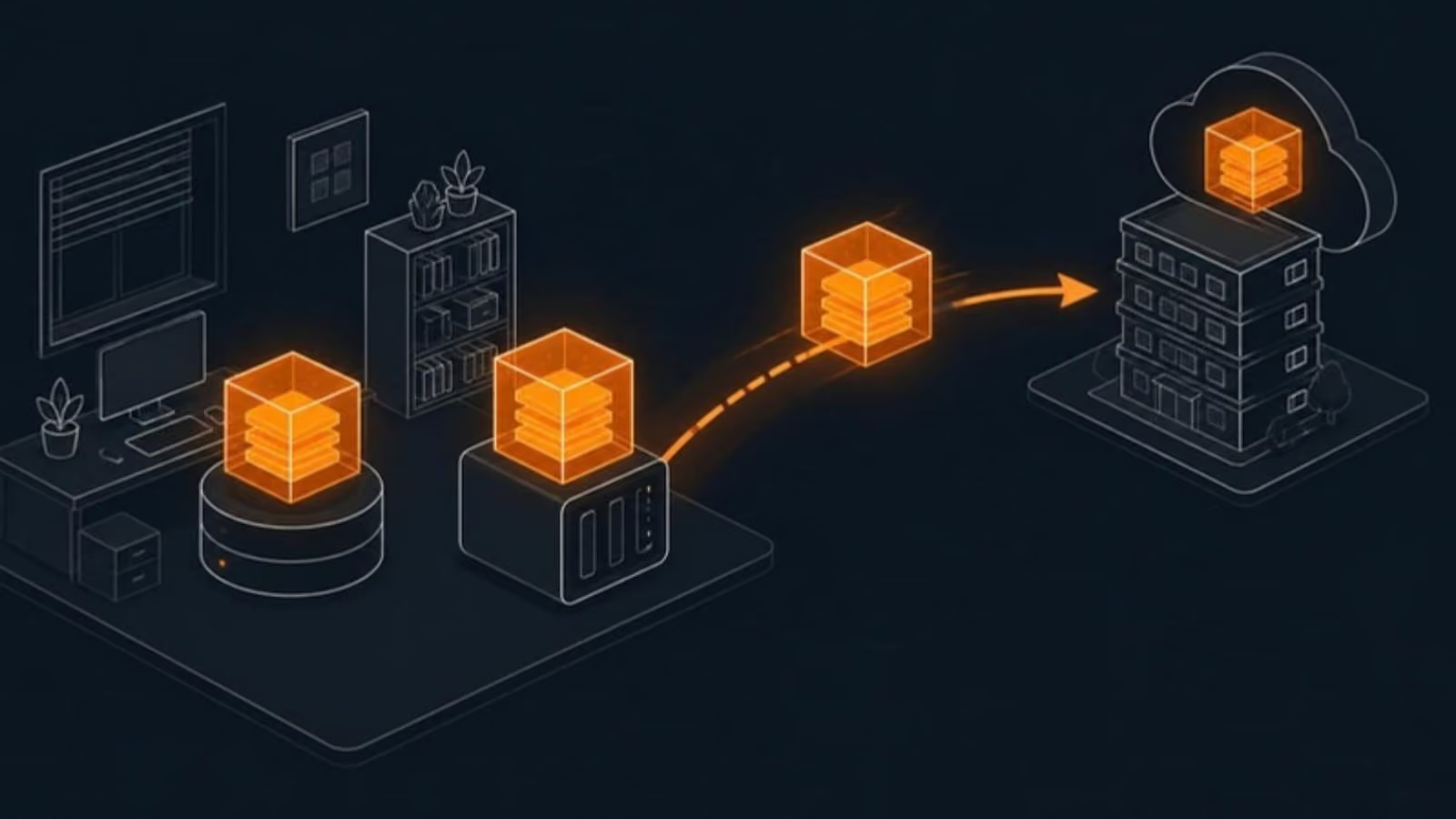

Automatic backup, actually checked
“Automatic data backup” is easy to switch on and easy to forget. The problem is what happens next. Drives fill up, passwords change, a computer is replaced and the new one is never added, and the backup quietly stops. Many businesses only discover this on the day they need to restore something.
Our backup and disaster recovery service is built around that risk. Backups run on a schedule without anyone starting them, every job is monitored, and failures are fixed by us rather than discovered by you months later.
Planning for Vancouver’s risks
Most data loss is ordinary: a failed drive, a deleted folder, a stolen laptop or a ransomware attack. Vancouver adds a few risks of its own that are worth planning for:
- Shared buildings. Offices in multi-tenant buildings can be hit by a water leak from the floor above, a sprinkler discharge or a planned power shutdown for building maintenance.
- Earthquakes. BC’s coast is one of the most seismically active regions in Canada. A building can be closed for inspection even when no data is damaged.
- Ransomware. It targets backups on purpose, which is why at least one copy must be kept where attackers can’t reach it.
The answer to all three is the same: an off-site copy on Canadian servers, kept separate from your network, and a plan for working while the office is unavailable.
Two numbers that shape your plan
Not every system needs the same protection. We agree recovery targets with you, system by system, so the design matches what your business actually needs. A typical small office might look like this:
| System | Data you could afford to lose (RPO) | Back up and running within (RTO) |
|---|---|---|
| Email and calendars | Minutes | A few hours |
| Accounting and practice software | One hour | Same business day |
| Shared files | A few hours | Same business day |
| Archived projects | One day | A few days |
Those targets then decide how often each system is backed up, where the copies live and how recovery works.
Microsoft 365 and cloud apps
Moving to the cloud doesn’t remove the need for backup. OneDrive and SharePoint sync deletions and ransomware damage just as faithfully as good files. We back up Exchange, OneDrive, SharePoint and Teams separately, so you can restore a single email, a folder or an entire mailbox from a specific point in time.
Recovery you’ve tested
Every quarter we restore real files and check they open. At least once a year we run a full recovery test of your most important system and record how long it takes. If recovery would be slower than your target, we change the design before an emergency proves it. For the principles behind it, read our guide to the 3-2-1 backup rule.
Getting started
Book a free backup review. We’ll check what you back up today, how long a restore would take and what happens if the office is closed for a week, then give you a clear plan and monthly price. Businesses on Lulu Island can see our Richmond backup and recovery page, and everything we do across the city is on IT support in Vancouver.