Warning signs of phishing emails, the scams small businesses see most, what to do if someone clicks, and the protections that stop phishing early.
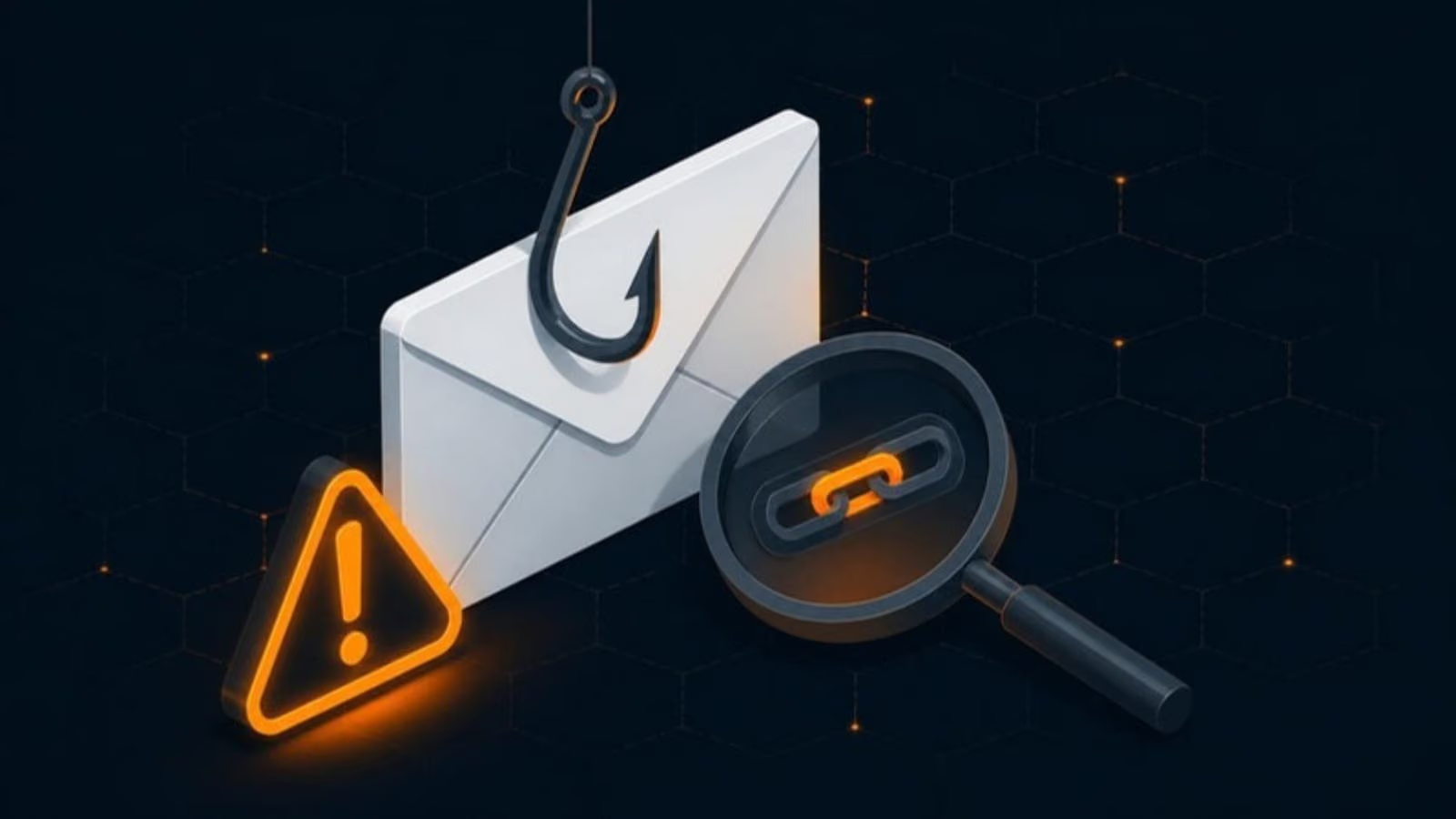
Phishing is still the most common way attackers get into small businesses. It doesn’t take advanced hacking skills, just a convincing email and one busy person clicking before they think. The good news is that phishing is also one of the most preventable threats. A mix of staff awareness and a few technical controls stops the vast majority of attempts.
What phishing looks like today
Phishing emails used to be easy to spot, full of spelling mistakes and strange requests. Today many are polished and personalised. Criminals copy real branding, reference real suppliers and time their messages around real events like tax season or a package delivery. Some use information from your website or LinkedIn to make messages look genuine.
The goal is usually one of three things: stealing your password, getting you to open malware, or tricking you into sending money or sensitive information.
Scams small businesses see most
Fake login pages
An email says a document has been shared with you, your mailbox is full or your password is expiring. The link leads to a page that looks exactly like Microsoft 365 or Google sign-in. Enter your password, and the attacker has it.
Invoice and payment fraud
A supplier appears to send an invoice with new banking details, or a client appears to ask where to send payment. Sometimes the email really does come from the supplier’s account, because their email was hacked. This is often called business email compromise, and it can cost businesses large sums in a single transaction.
CEO or boss impersonation
A message that looks like it’s from the owner or a manager asks someone to buy gift cards, make an urgent transfer or send employee tax information, usually with a reason why they can’t talk on the phone right now.
Delivery and government notices
Fake courier notifications, CRA messages about refunds or unpaid taxes, and fake notices from banks. These play on urgency and fear.
Attachments and QR codes
Invoices, voicemail notifications or “scanned documents” that contain malware, or QR codes that lead to fake login pages on a phone, where it’s harder to check the address.
Warning signs to look for
Train everyone to pause and check for these:
- Urgency or pressure. “Your account will be closed today.” “I need this done in the next hour.”
- A mismatched sender address. The display name says your bank, but the actual address is something else. Check the full address, not just the name.
- Lookalike domains. Small changes like an extra letter, a swapped character or a different ending, such as
.coinstead of.com. - Links that don’t match. Hover over a link on a computer, or press and hold on a phone, to see where it really goes before clicking.
- Unexpected attachments. Especially ZIP files, HTML files or Office documents that ask you to “enable content”.
- Requests to change payment details or send money in an unusual way.
- Requests for passwords or MFA codes. Legitimate services won’t ask for these by email or phone.
- Something just feels off. Unusual tone, odd timing, or a request that doesn’t fit how that person normally works.
A simple rule for payments
Make this a firm rule in your business: any request to change banking details or make an unusual payment is confirmed by phone using a number you already have, never a number from the email. This single habit stops most payment fraud, even when the attacker is using a real, compromised email account.
What to do if someone clicks
Mistakes happen, and speed matters more than blame. Make sure staff feel comfortable reporting quickly. If someone clicks a suspicious link or opens an attachment:
- Report it immediately to whoever manages your IT.
- If a password was entered, change it right away from a different, trusted device, and make sure MFA is on.
- If an attachment was opened, disconnect the computer from the network, but don’t turn it off.
- If money was sent, call your bank immediately. The faster you act, the better the chance of stopping or recovering the transfer.
- Check for signs of compromise, like new inbox rules forwarding email, unexpected sign-ins or messages sent that the person didn’t write.
Technical protections that stop phishing earlier
Staff awareness is essential, but people get busy and tired. Technology should stop as many phishing emails as possible before they reach an inbox, and limit the damage when one gets through.
- Multi-factor authentication on every account. Even if a password is stolen, the attacker usually can’t sign in. This is the single most effective protection.
- Advanced email filtering that scans links and attachments and blocks known malicious senders.
- SPF, DKIM and DMARC on your domain, which make it harder for criminals to send email pretending to be your business.
- External sender warnings that label messages from outside your organisation.
- Impersonation protection that flags emails using names of your staff or lookalike domains.
- Alerts for suspicious sign-ins and new forwarding rules, so compromised accounts are caught quickly.
- Endpoint detection and response on computers, to stop malware from running if an attachment is opened.
Make training regular and realistic
One annual training session is quickly forgotten. Short, regular training works better, especially when combined with simulated phishing emails that mimic real scams. When someone clicks a simulation, they get an immediate, friendly explanation of what they missed. Over time, people get noticeably better at spotting threats and more likely to report them.
Get help protecting your team
Our cybersecurity services include email security, MFA rollout, sign-in monitoring and security awareness training for small businesses across Metro Vancouver. If you’re on Microsoft 365 or Google Workspace, we can also review your security settings, since many helpful protections are included but not switched on by default. Get in touch to find out where your business stands.