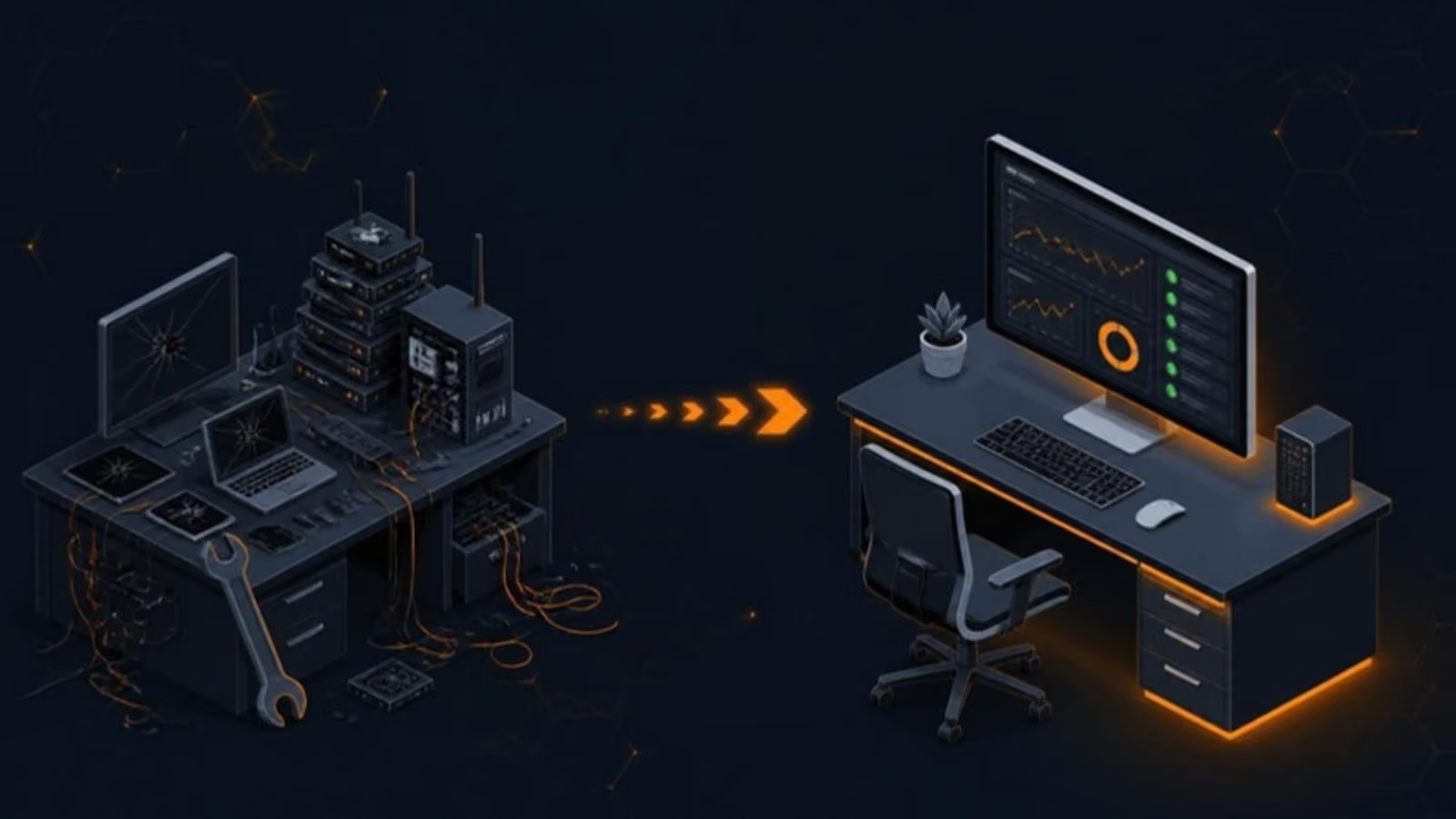

A compact city with a lot of business
New Westminster is one of BC’s oldest cities and one of its most compact. Within a few blocks of each other you’ll find the courthouse and the law offices that surround it, the shops and restaurants along Columbia Street, the Uptown commercial area around Sixth Street, the health businesses near Royal Columbian Hospital in Sapperton, and the newer offices at the Brewery District. Across the river, Queensborough mixes industry, warehouses and growing residential areas.
Most of these businesses have between two and fifty people. They need technology that works every day, but they don’t need, and can’t justify, a full-time IT employee. That’s the gap managed IT support fills.
What managed IT means day to day
For a New Westminster office, our service looks like this:
- One number to call. Staff contact our helpdesk by phone, email or portal for anything from a locked account to a printer that won’t print. Requests are unlimited.
- Remote first, on site when needed. Most fixes take minutes over a secure remote session. When hardware, cabling or a network problem needs hands on, an engineer comes to you.
- Problems fixed before you notice. Monitoring watches for failing drives, full disks, missed updates and suspicious sign-ins around the clock.
- Security that’s always on. Endpoint detection and response, multi-factor authentication and automated patching on every computer.
- One team for your vendors. We deal with your internet provider, phone company, printer leasing company and software vendors, so you don’t sit on hold.
Working inside older buildings
A lot of New Westminster offices are in heritage buildings or older low-rises. They’re full of character and often short on network infrastructure: one or two cable runs, an old router in a cupboard, and Wi-Fi that stops at the second wall. We regularly:
- Survey the space and place business-grade access points where people actually work.
- Replace consumer routers with a proper firewall and separate guest Wi-Fi.
- Clean up and label the network closet so problems can be found quickly.
- Plan cabling carefully when it’s needed, working around heritage features and landlord rules.
See our network management service for more on how we do this.
Law offices and clinics
The two biggest groups we support here are legal and health practices. Both handle sensitive personal information, both depend on specialised software, and both lose real money when systems are down. We keep practice management, document management and clinic software patched and backed up, encrypt laptops, enforce multi-factor authentication, and make sure former staff lose access the day they leave. Read more about our work with law firms and dental and medical clinics.
Your first 30 days
Switching IT providers is a planned project. In the first month we document every user, device, account and system, apply a consistent security baseline, switch on monitoring and backups, and then sit down with you to go through what we found and what we recommend next, in plain English.
Getting started
Book a free IT review. We’ll look at your setup, tell you honestly what needs attention, and give you a clear monthly price. For everything else we do in the city, see IT support in New Westminster.